Latest Improvements to the Request Page
The improvement of the Open Build Service (OBS) Request Page continues! This update introduces several new features and bug fixes, focusing on smarter action menus and more accessible metadata.
Here’s a breakdown of what’s new in this iteration:
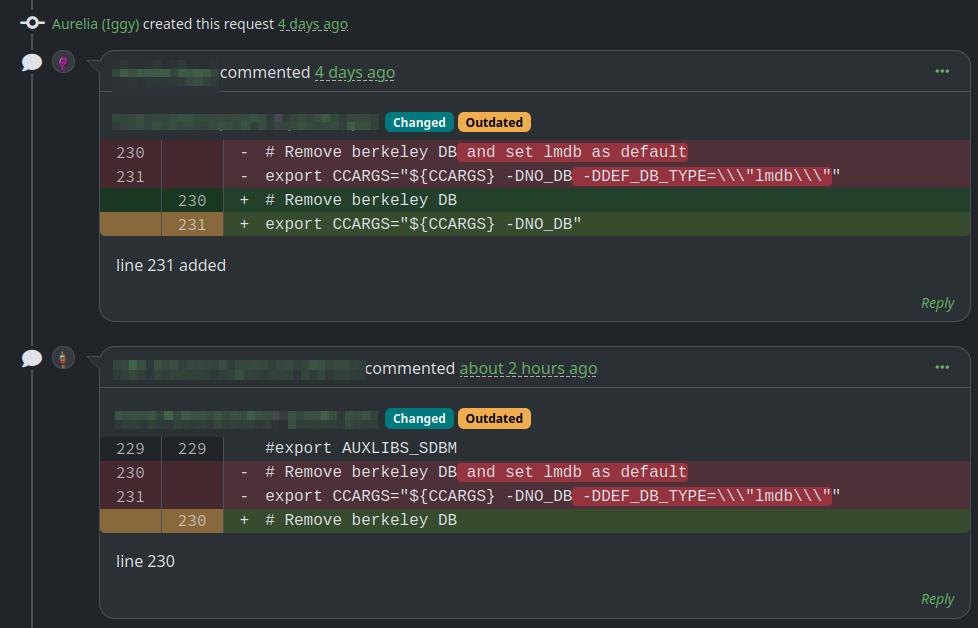
Commented lines of diff changes are now highlighted
Reviewing code is now easier. When a line in a diff has associated comments, it is clearly highlighted to help you focus on the discussion.
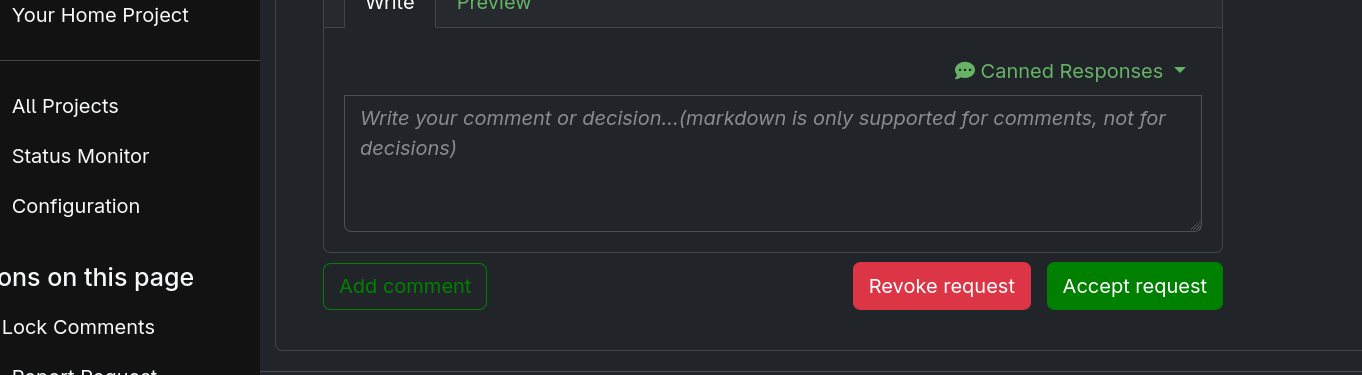
Simplified Dropdown of the Accept button
The “Accept” dropdown has been simplified to show options more clearly. If only one action is available, it is now shown directly, saving you extra clicks.
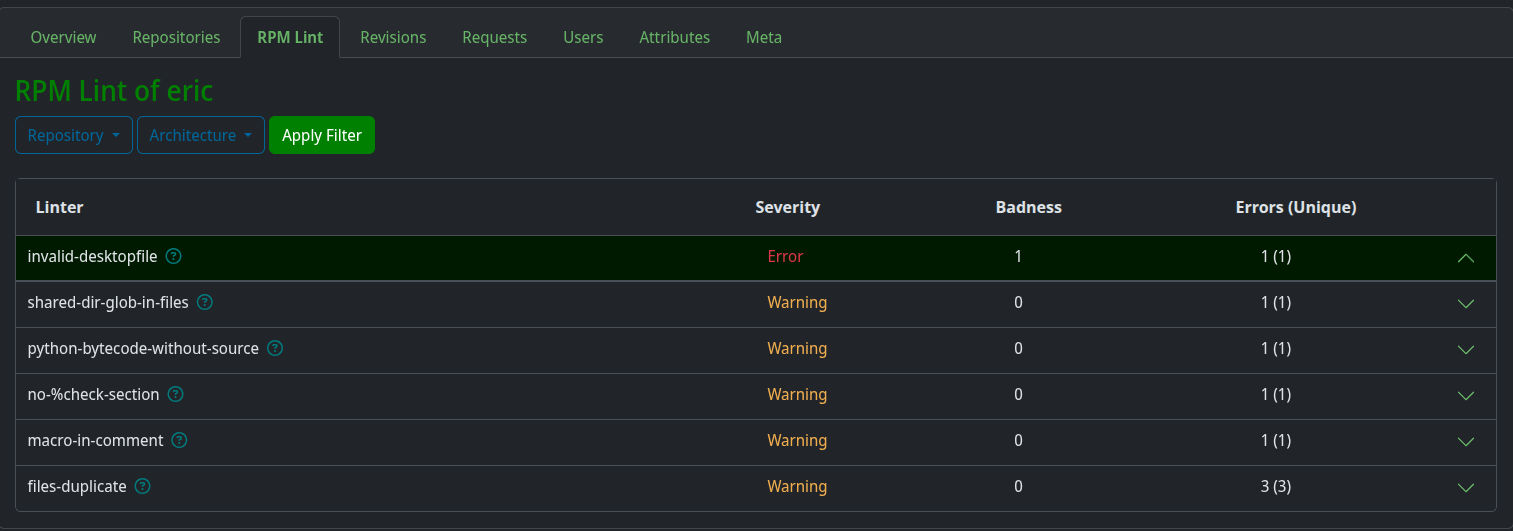
Contextual descriptions for RPMLint checks
No more guessing why a check failed. We’ve integrated contextual descriptions for RPMLint results directly into the UI, providing immediate guidance on details on the issues without leaving the page.
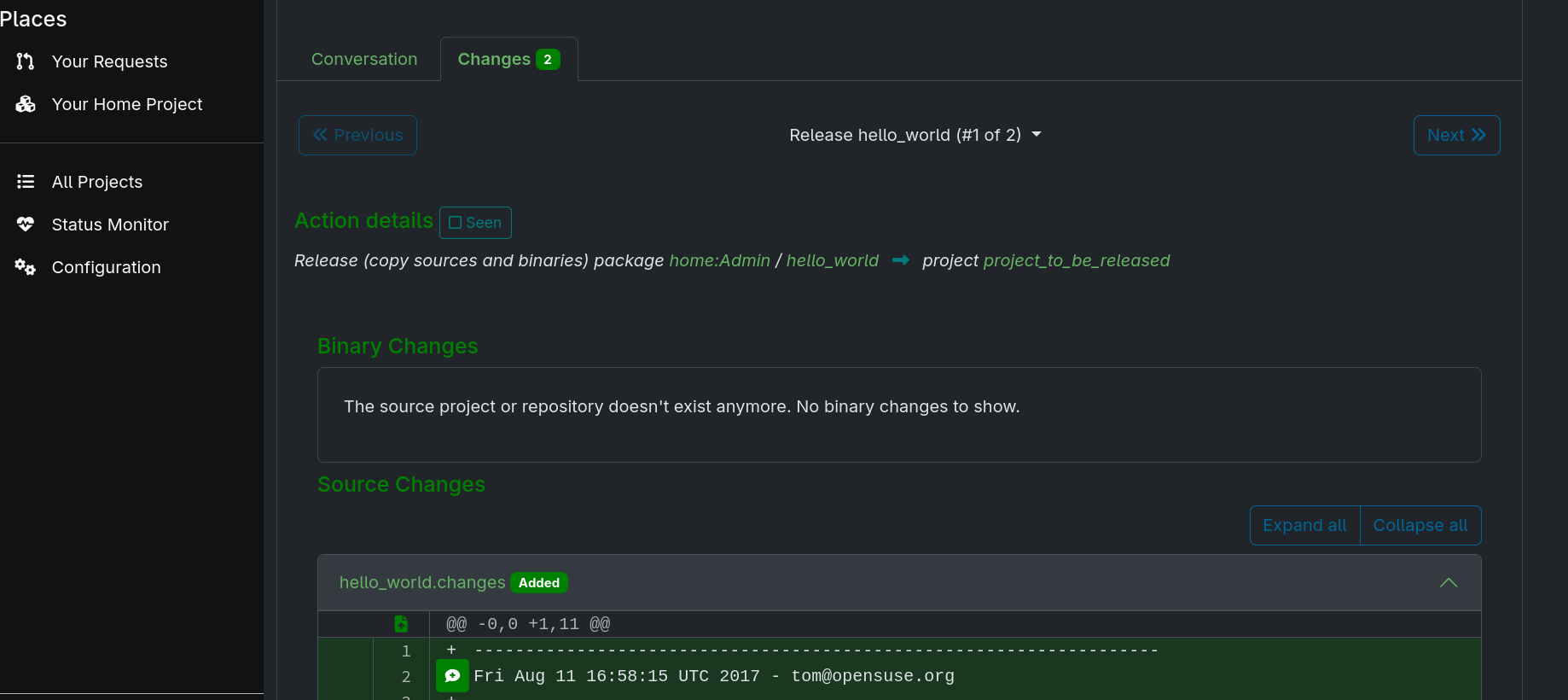
Meaningful content for release actions in the changes tab
We’ve improved how release actions are displayed. Instead of generic or empty views, the changes tab now surfaces the most relevant information to provide better content.
Shareable links for comments
Collaboration is all about communication. You can now browse direct links to specific comments, making it easy to reference feedback in your external tool of choice.
Conclusion
These updates are now live! Head over to your latest requests to see them in action. Happy building!
We build OBS for you, so your feedback is always valuable. Let us know what you think by sharing your experience.
How To Give Us Feedback
There are two ways to reach us:
- On GitHub, by opening an issue and / or commenting on an already opened issue.
- On IRC, by talking directly to us. We are in the channel
#opensuse-buildserviceon Libera.Chat.
Please note that we favor GitHub to gather feedback as it allows us to easily keep track of the discussions.